
Use case — Hobbyists and makers
Design like an engineer, order without the guesswork
A footprint checked against its datasheet, a revision history you did not have to keep, cited answers from datasheets and errata, and simulation from the schematic you actually drew.
- 01
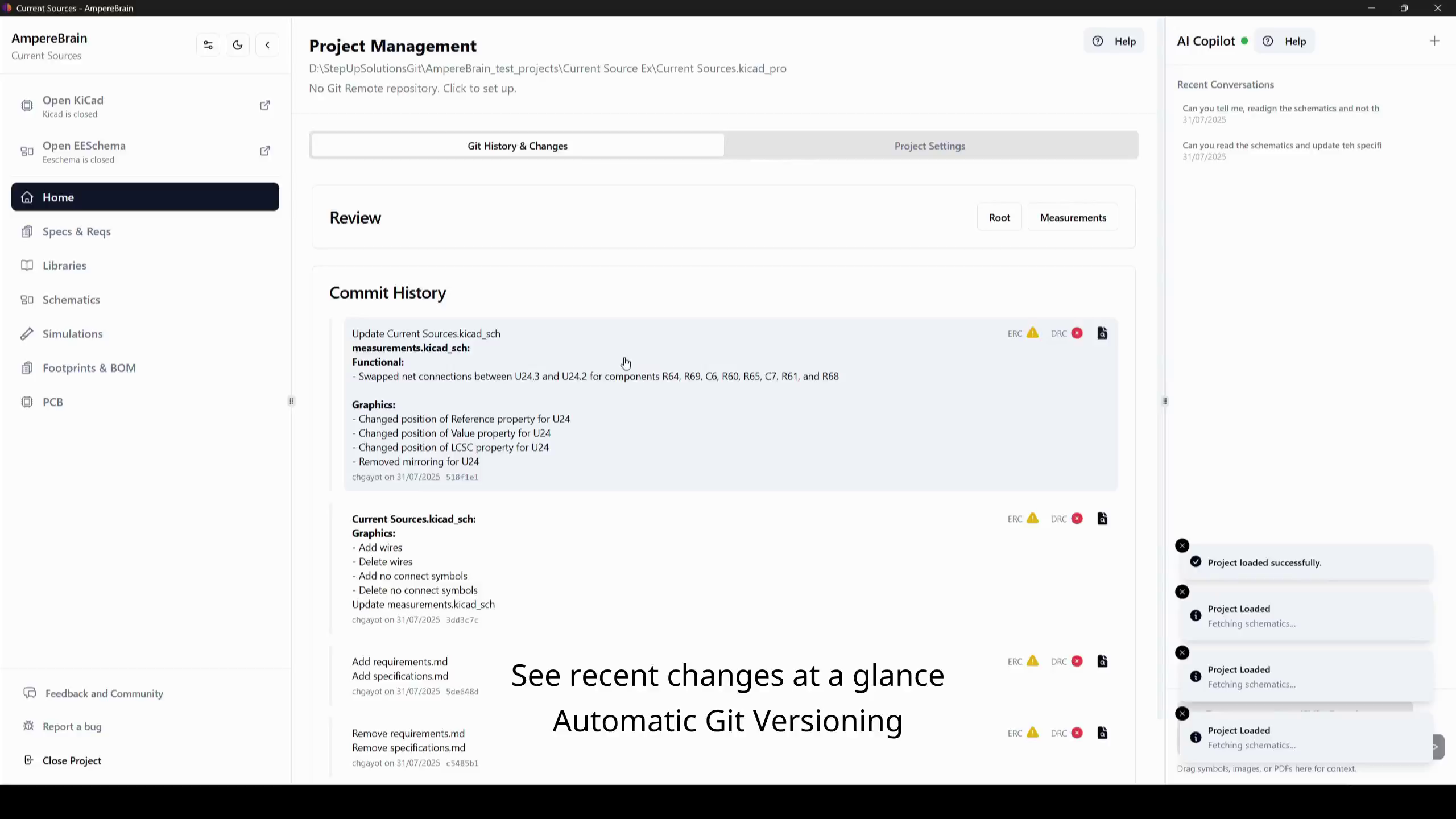
Start from your own KiCad project
AmpereBrain works on the projects you already have. It is the companion, not a replacement, so nothing about how you design has to change.
- 02
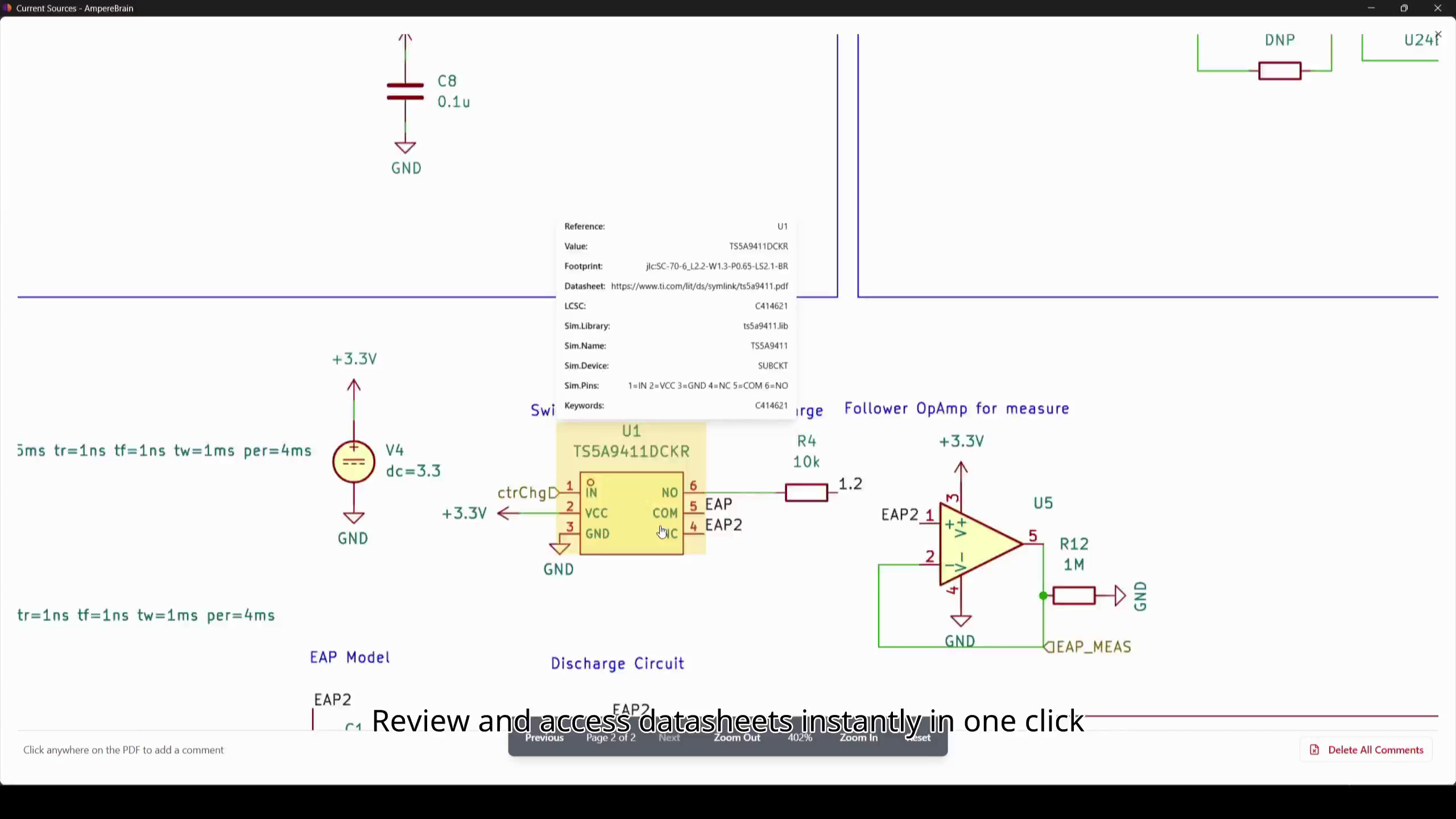
Find a part and trust it
Search by supplier or part number, and the symbol, footprint, 3D model, datasheet, application notes, and errata come with it. Your KiCad footprint is compared against the datasheet reference automatically.
- 03
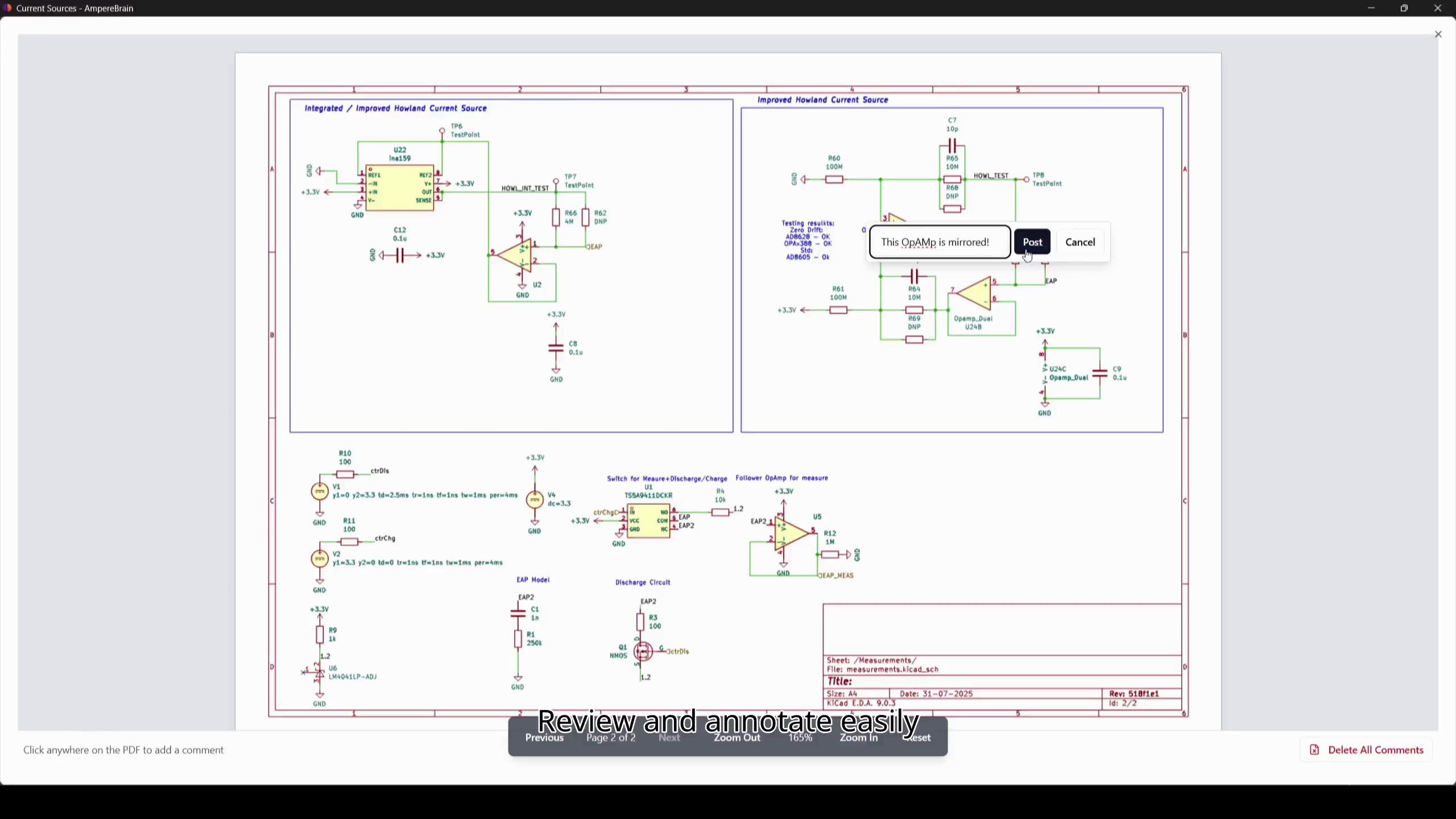
Iterate without thinking about it
Every change is committed and described for you, so you can compare an earlier version or go back to the one that worked. You never have to remember to save a copy before trying something.
- 04
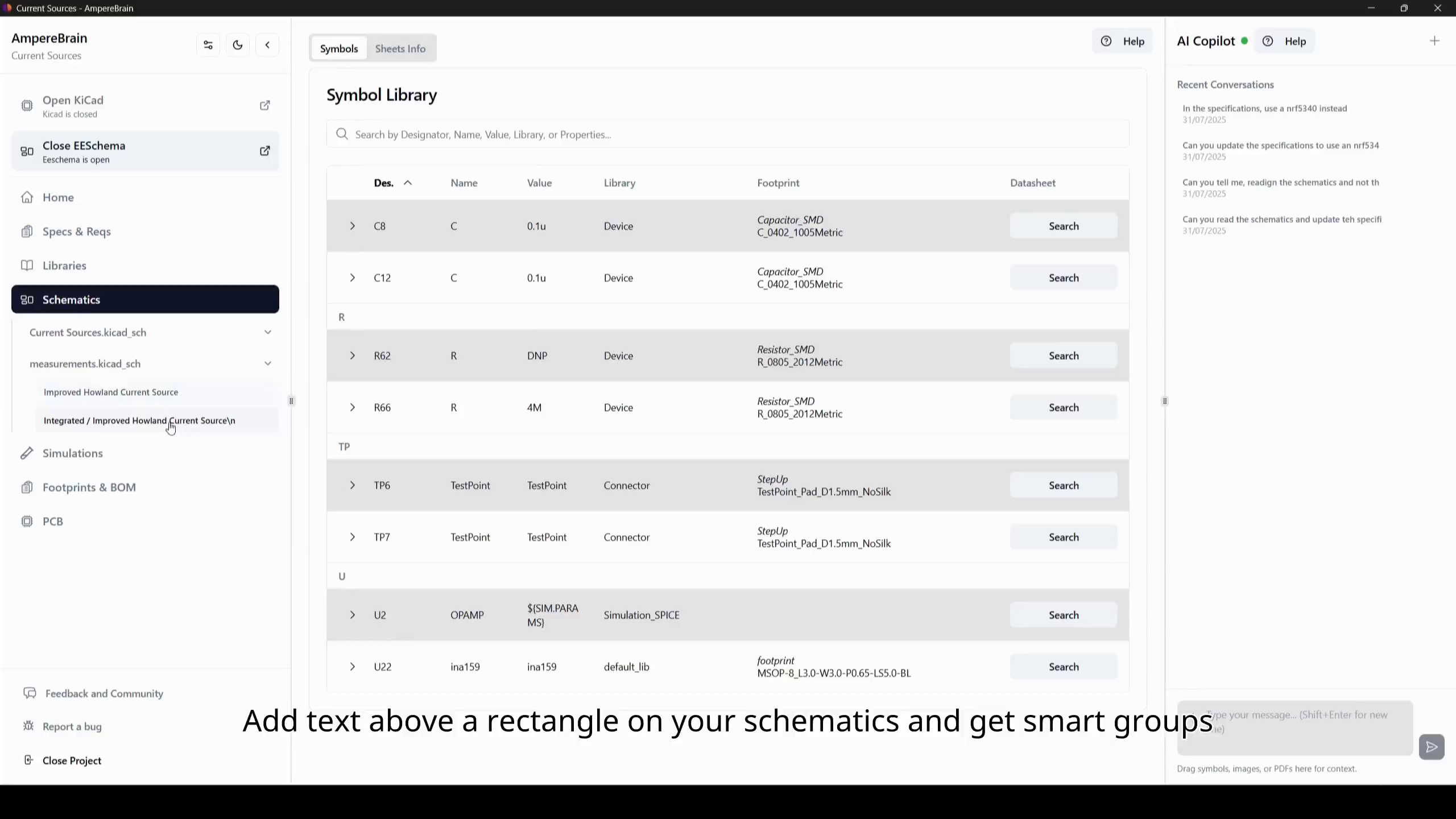
Ask instead of digging
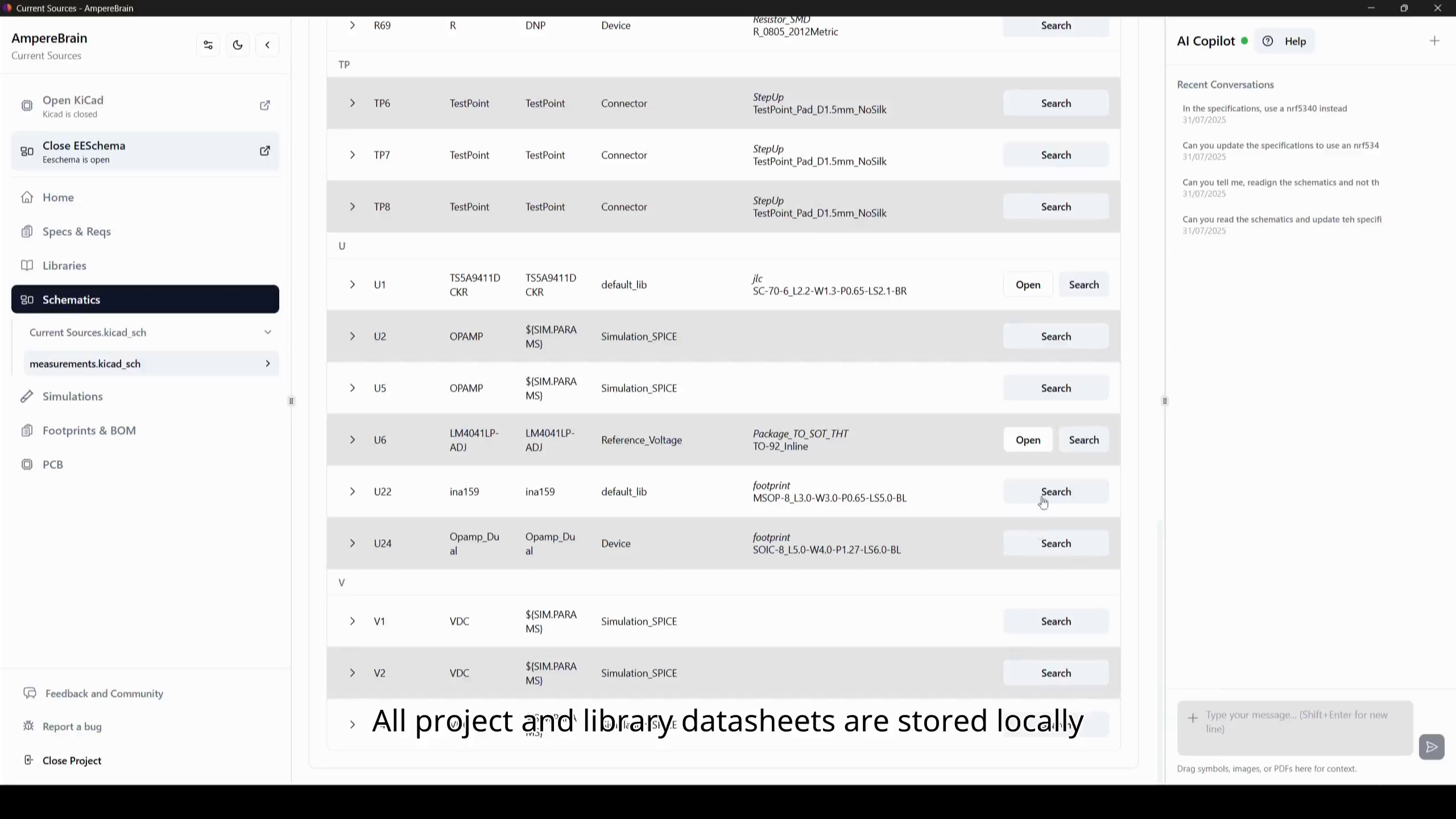
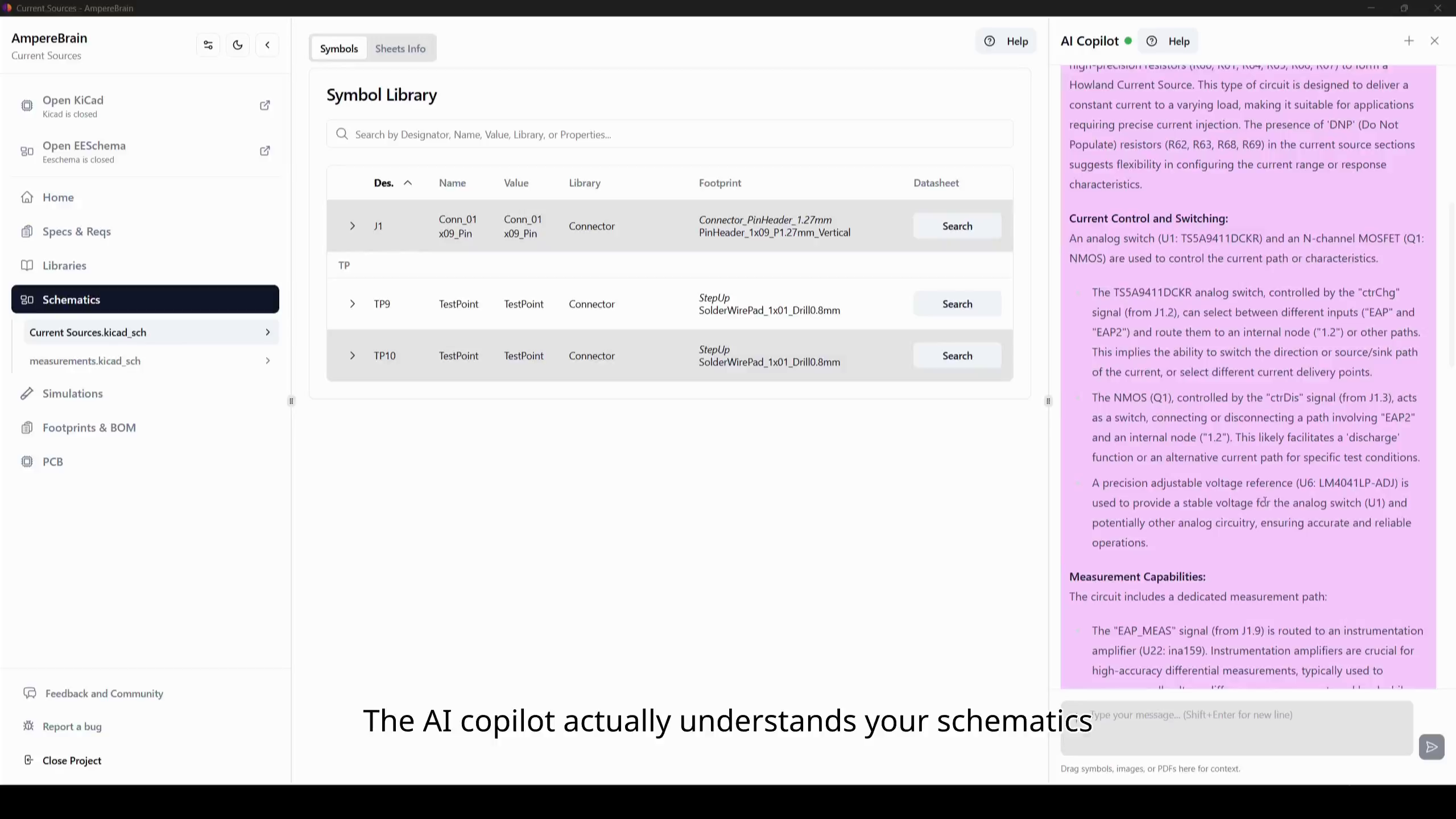
Ask a question in chat and get the answer with the cited passage from the datasheet, errata, or application note, or use smart search that finds the passage even when you do not use the manufacturer exact wording.
- 05
Simulate it without setting up a lab
Build focused simulations from the same schematic you drew, using variants and exclusions to keep the run to the circuitry you care about.
- 06
Order with the checks already done
ERC and DRC have been running the whole time, part lifecycle and availability are visible, and the fabrication exports come from the same versioned source when you are ready to order.
Free for open-source projects, and the paid tier is free for the duration of the beta.