
Use case — Consultants
Walk into a design you did not write, and find what actually matters
A client library you can audit end to end, datasheet answers with the cited passage attached, footprint and calculation checks against the reference, and findings recorded as tracked issues on the revision they concern.
- 01
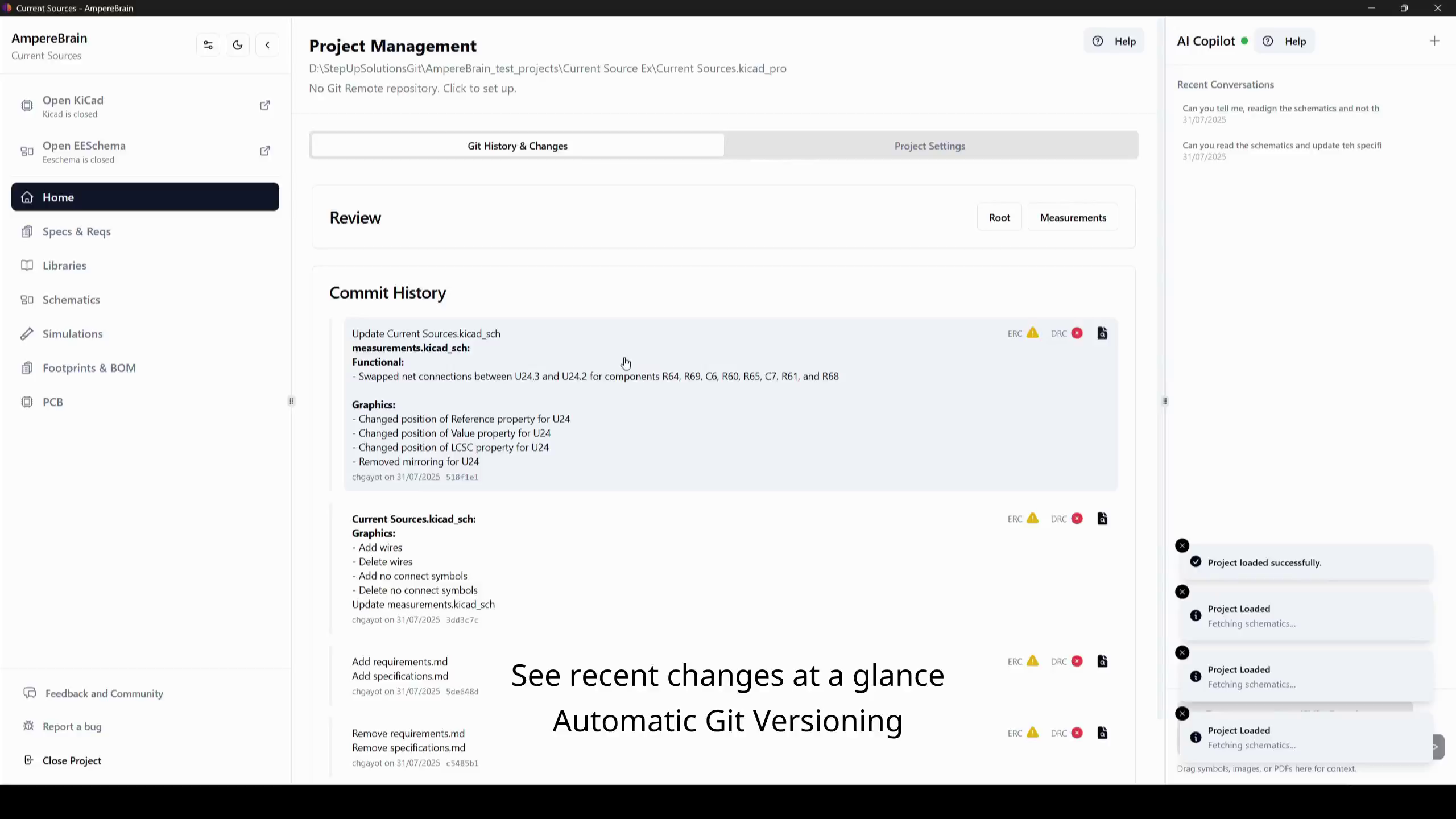
Join the project, not just a file
Open the client project and inherit its context: the revision history with descriptive commits, the shared libraries, and the documents linked to each part. You are oriented before you have asked anyone for a walkthrough.
- 02
Form your first assessment from the dashboard
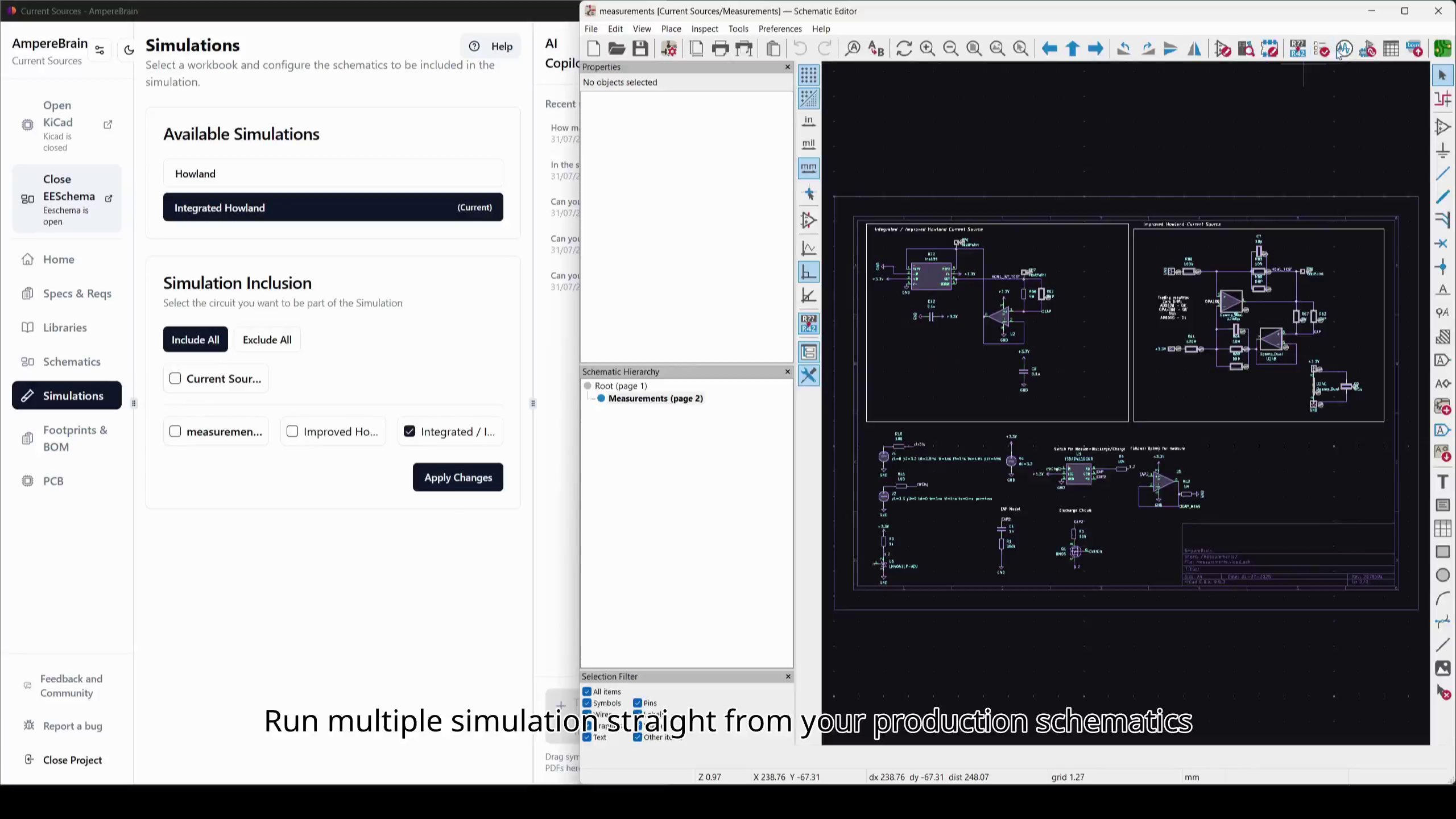
DRC and ERC results, BOM status, part availability for each production variant, whether simulation still passes against the production schematic, and which requirements are still waiting on approval — the state of the design without a week of archaeology.
- 03
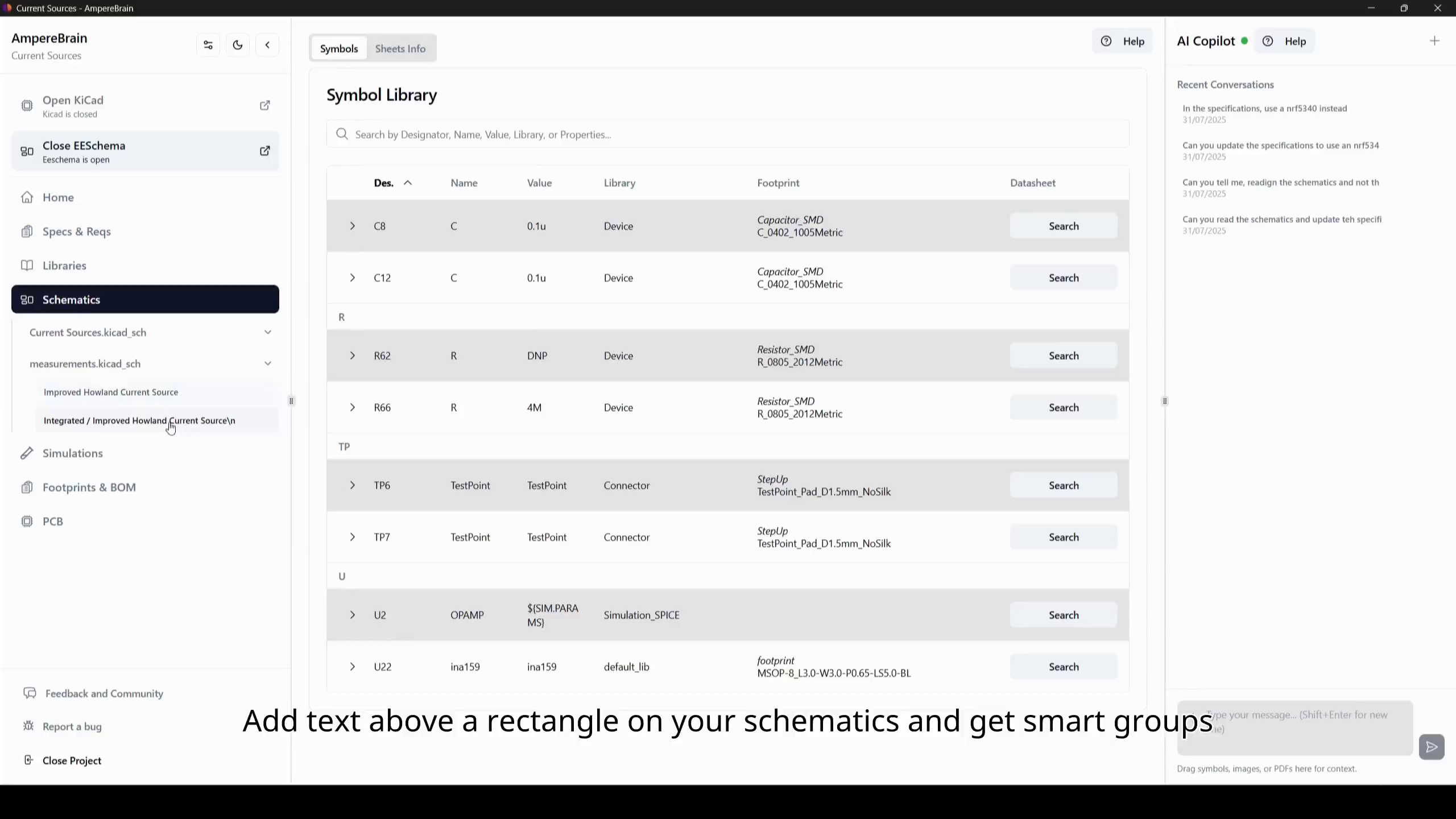
Audit the library as one asset, not part by part
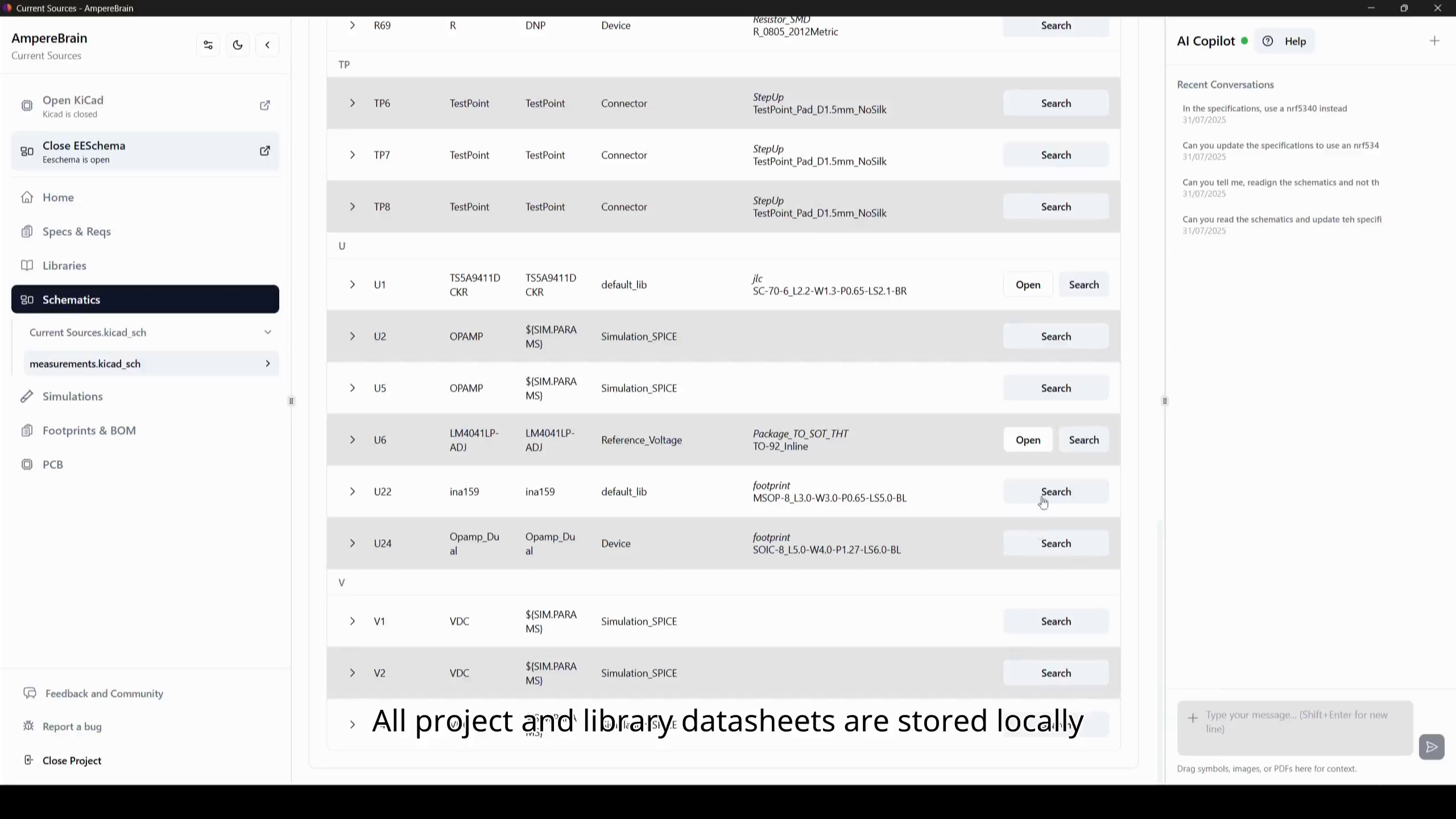
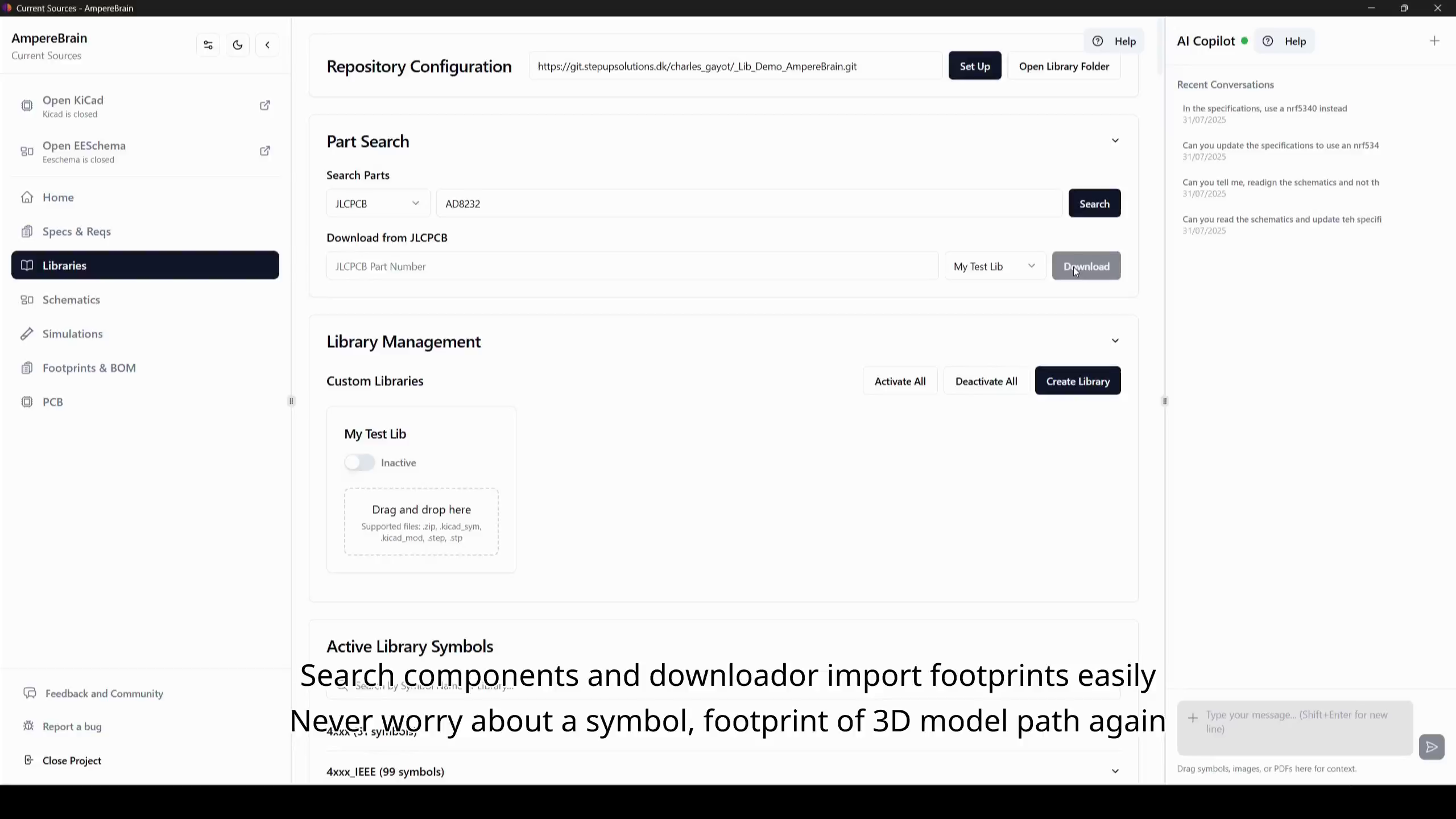
The whole library is in one place: every component with its symbol, footprint, SPICE and 3D models, datasheet, application notes, and errata linked together, with documents that have gone stale cleaned up automatically. Document coverage is tracked per component, so you can see at a glance which parts are properly documented and which are not, and the same pass compares each KiCad footprint against its datasheet reference.
- 04
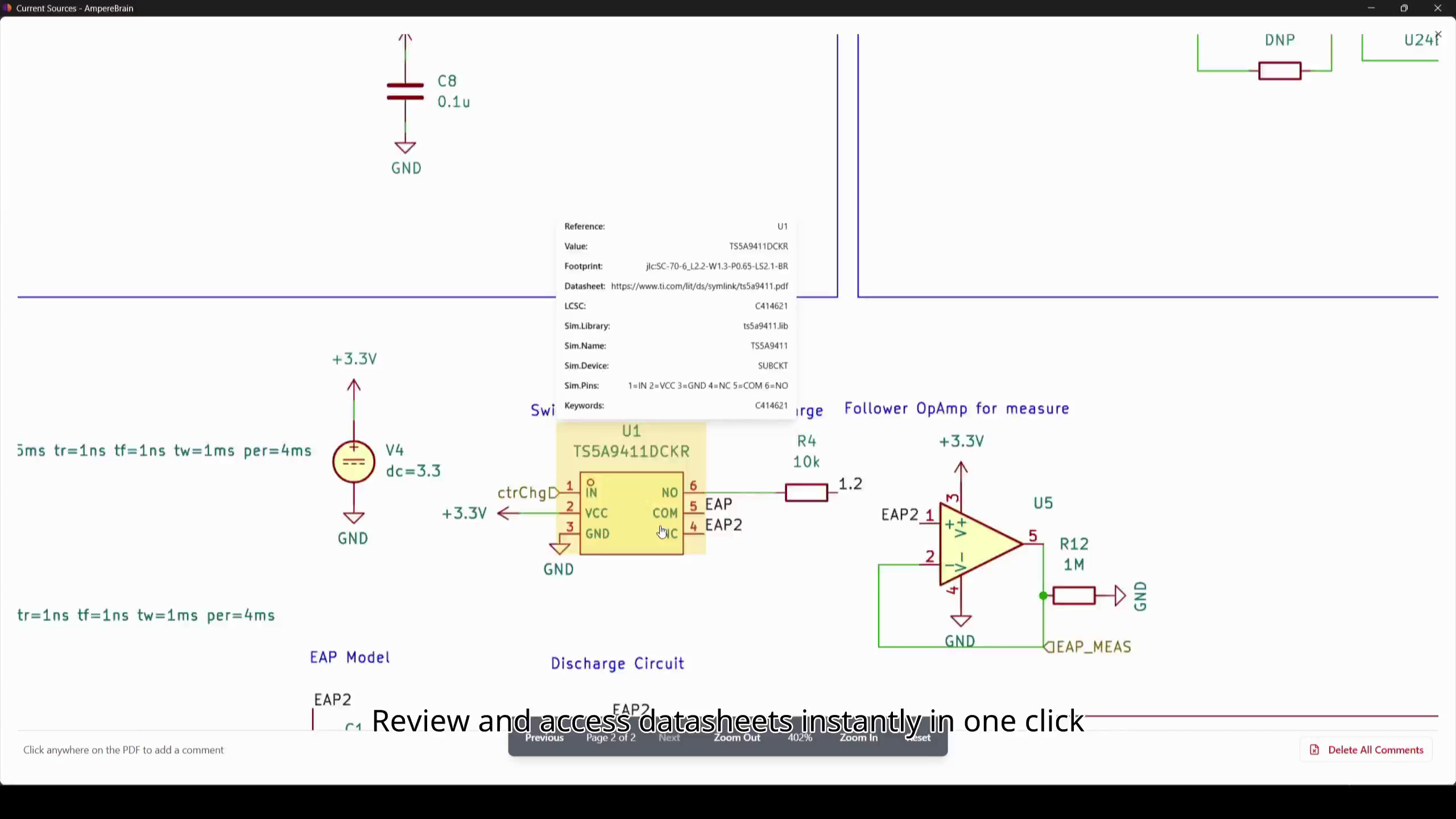
Get the datasheet answers, with the citation attached
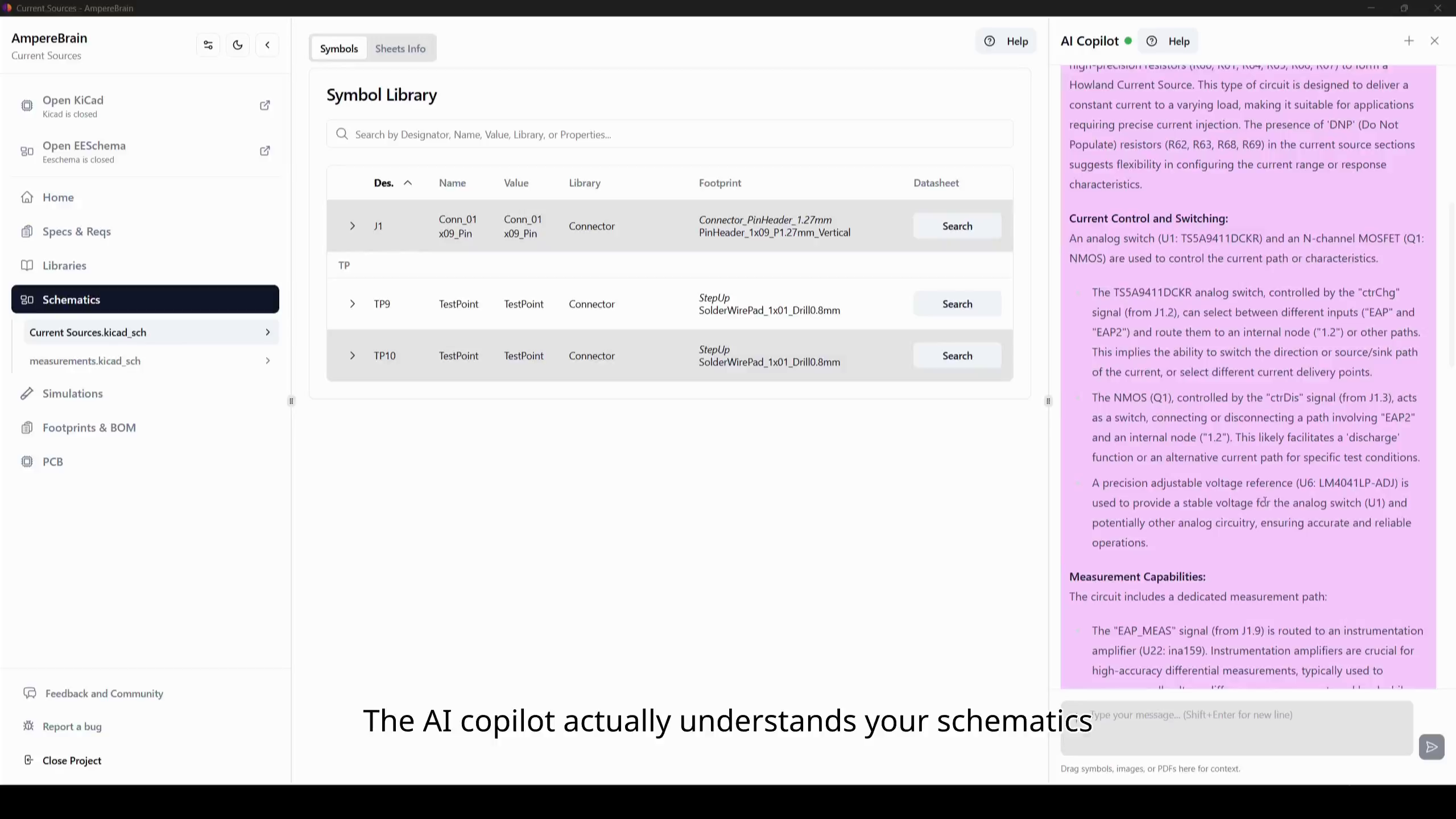
Ask in chat and get the cited passage from the datasheet, errata sheet, or application note, or use smart search that finds the passage even when you do not use the manufacturer exact wording. Your findings arrive with their sources, which is what makes a review credible.
- 05
Check the design against its own documents
Calculations from the project are cross-checked against the design and its source documents. These are the findings a client cannot argue with, because they point at the reference rather than at your opinion.
- 06
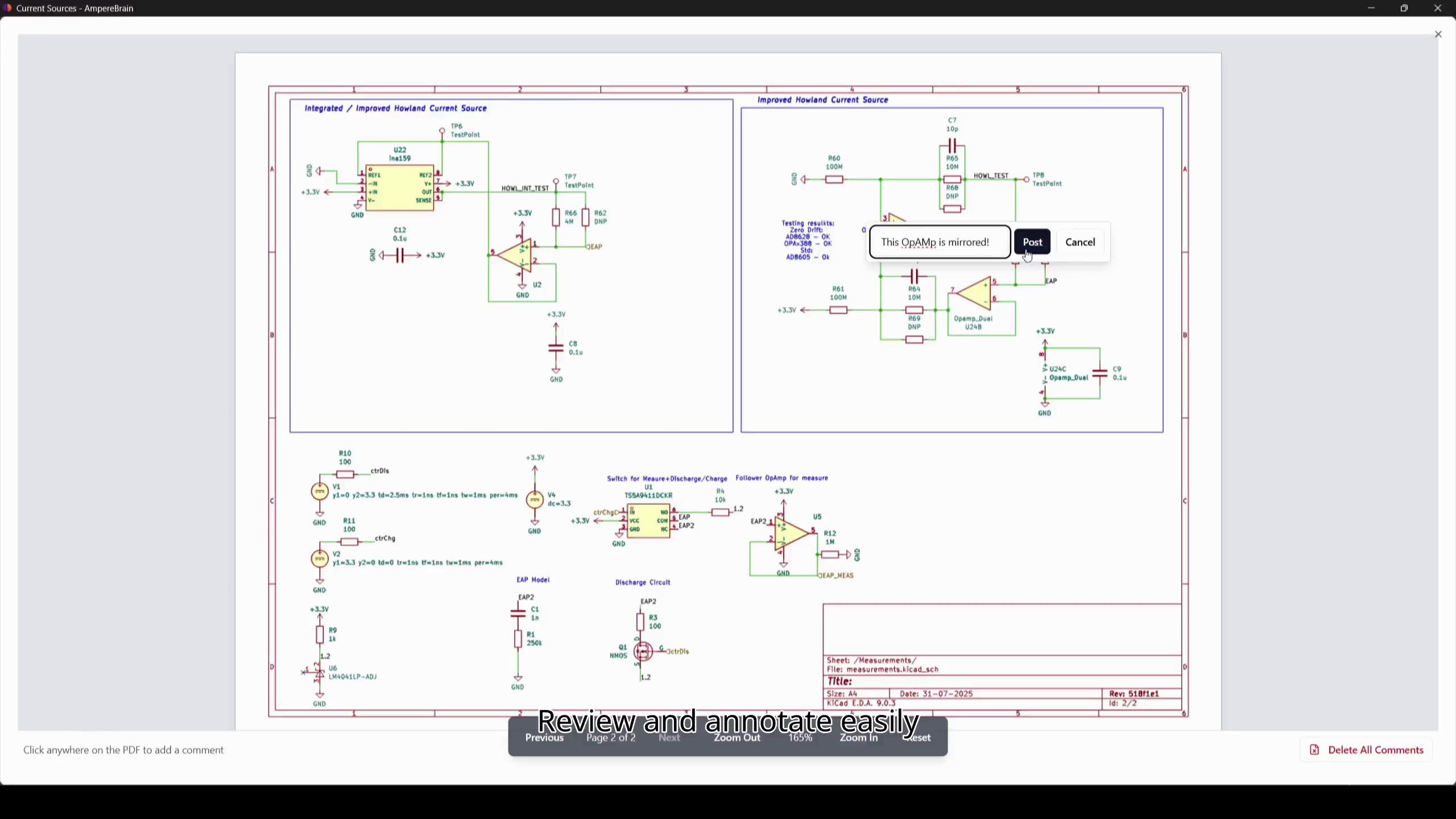
Record findings where they belong
Comments are pinned directly to the schematic, with threads and severity levels, and every finding stays tied to the revision it concerns. The client receives tracked issues rather than a document that goes stale the moment it is saved.
- 07
Flag the supply and lifecycle risk
Lifecycle status, availability, and multi-supplier sourcing are visible while you work, so obsolescence and single-source risk go in the report — often the finding an engagement was really commissioned for.
- 08
Leave them something their own team can act on
Specifications and requirements, test results and other document types, and Markdown documentation stay versioned with the client project. Your review is not a one-off deliverable; it lives next to the design and can be handed to the next reviewer.
You bring the judgement. The citations, the traceability, and the documentation come with the project. When the client cannot let their design leave their infrastructure, the whole stack runs on-premises with their own models and telemetry disabled.